Step 1: Log In to Your Exhibitor Portal
Log in to your Exhibitor Portal using your credentials.
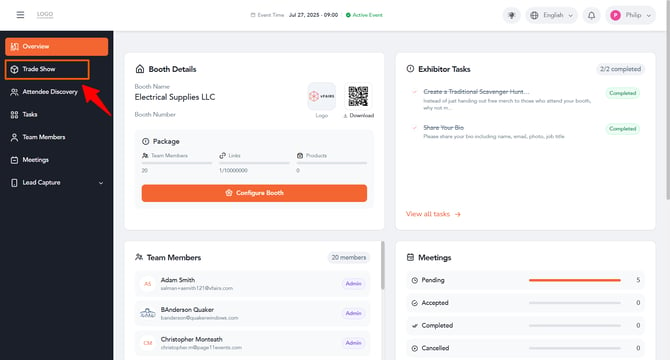
Step 2: Open Trade ShowOn the left navigation menu, click Trade Show.
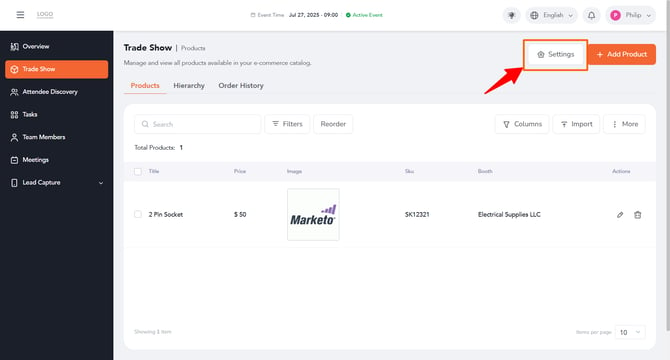
At the top right of the screen, click the Settings tab.
Under the Core Trade Show Features tab, find the Enable Product Variants option and turn on its toggle. This allows you to support different product options, such as size or color, for your products.
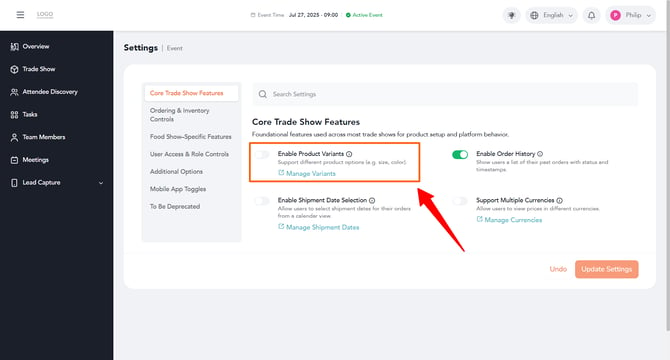
Tip: Once enabled, click Manage Variants to set up the specific options you'd like to offer for your products.
Click the Update Settings button at the bottom right of the screen to save your changes.
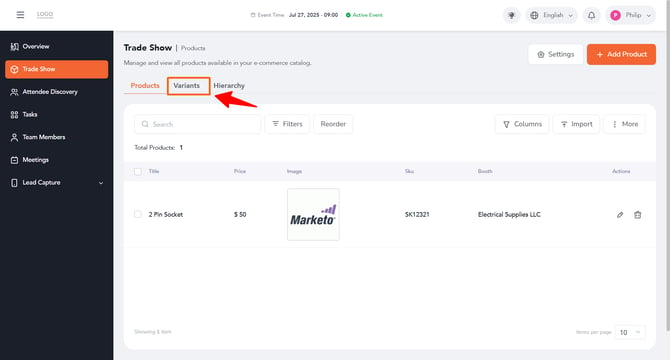
After the product variants have been enabled successfully, Variant tab can be seen on the trade show listing screen: