Step 1: Navigate to Organization Backend
What Gets ClonedSessions
- Log in to the Organization Backend.
- Open the event management dashboard.
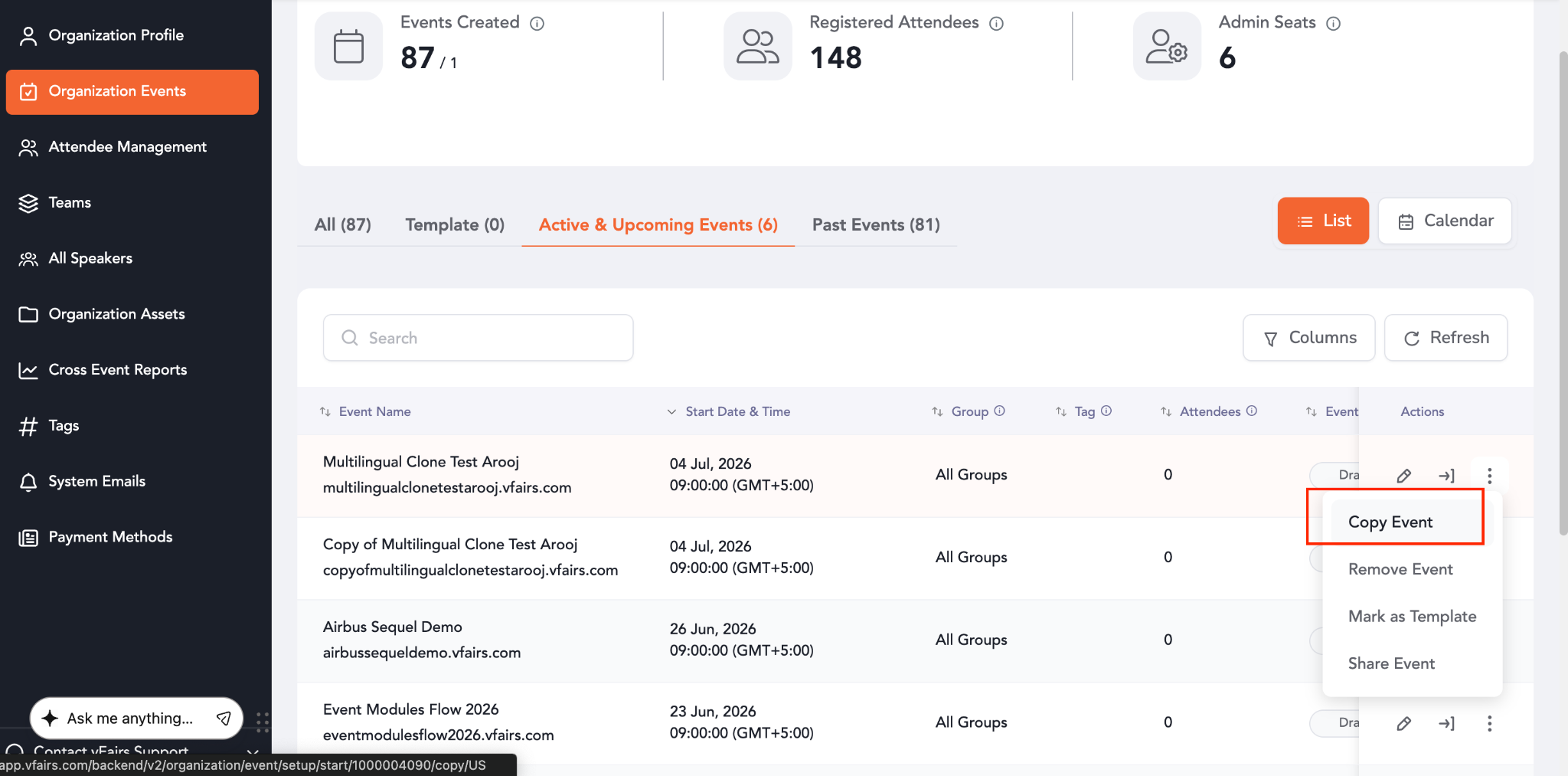
- Locate the source event you want to clone.
- Open the source event.
- Click Copy Event..
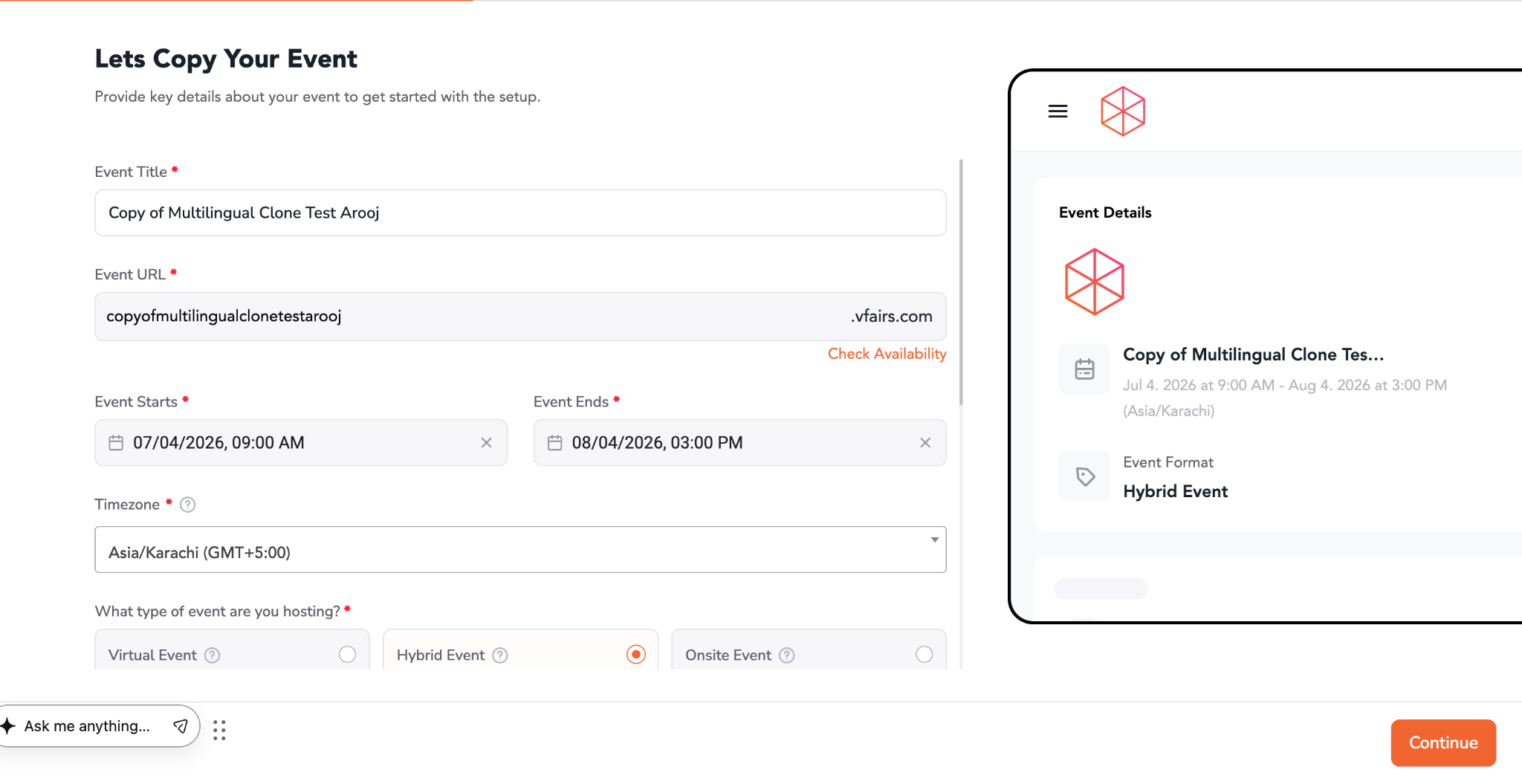
- Configure cloning settings as needed.
- Start the cloning process.
During this process, the system now automatically includes:
- Session language variants
- Track language variants
- Speaker language variants
No additional multilingual configuration is required manually.
What Gets ClonedSessions
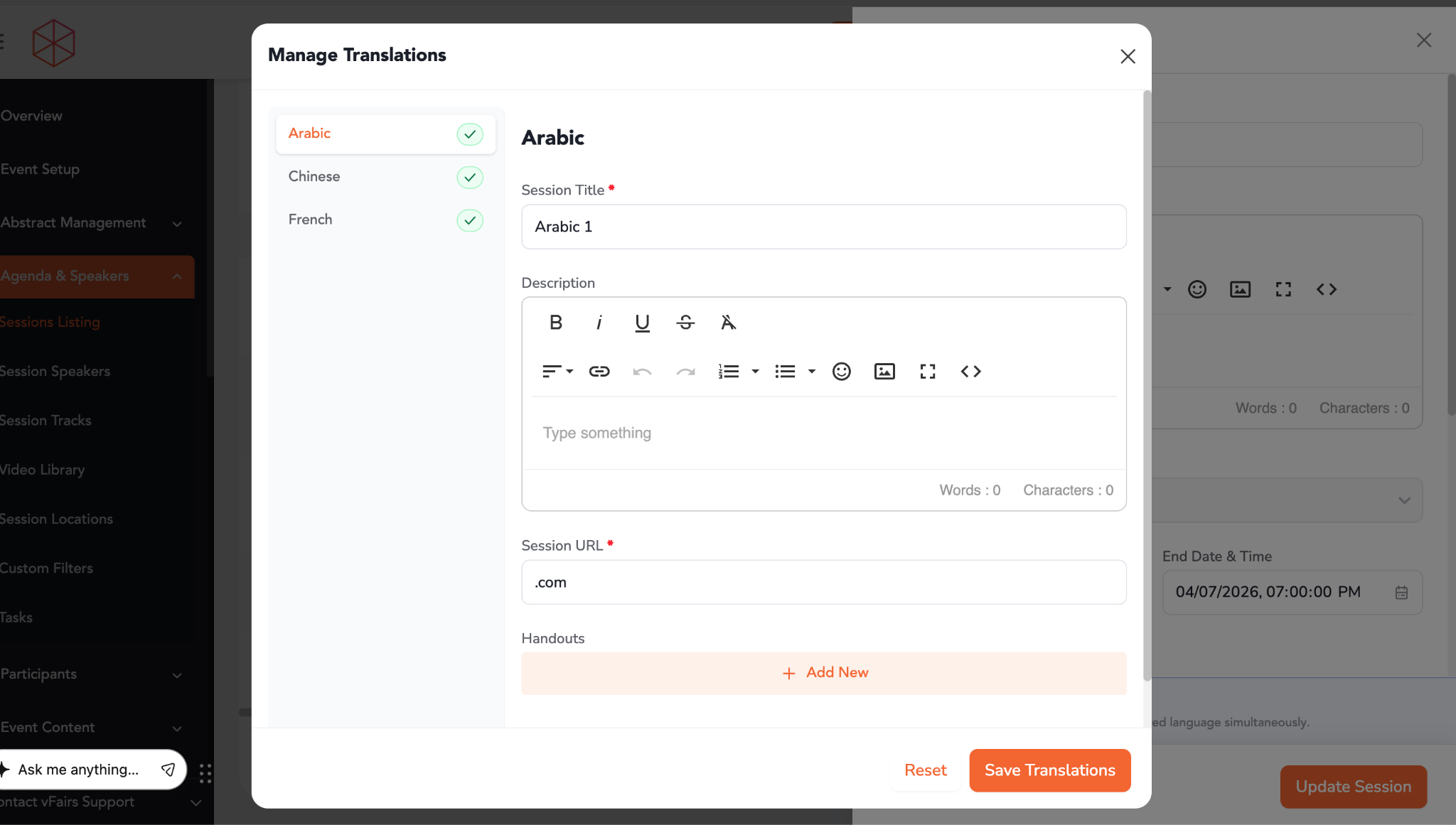
When sessions are cloned:
- All multilingual session titles are copied
- Localized descriptions are preserved
- Metadata and language-specific fields are retained
- Session relationships remain intact
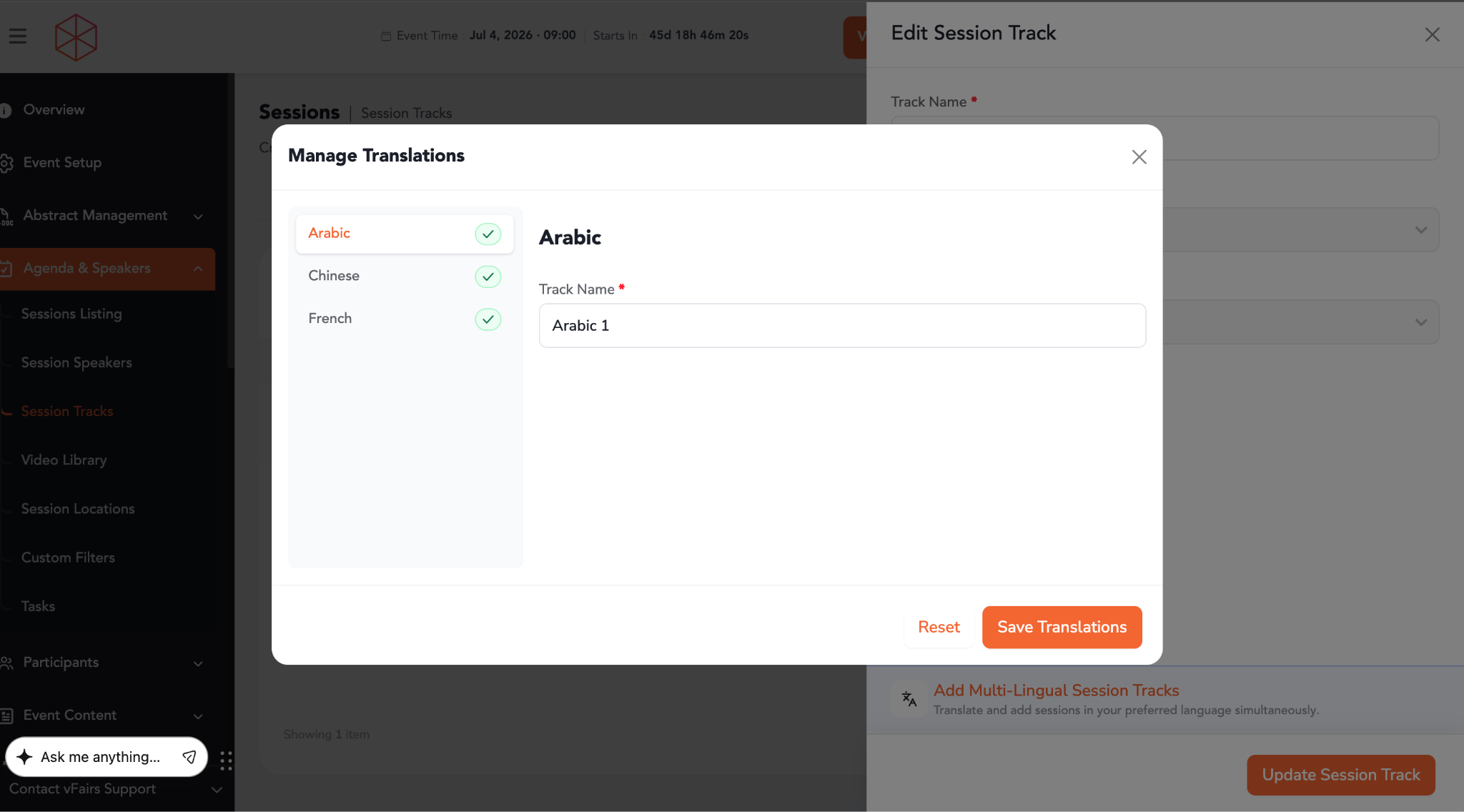
When tracks are cloned:
- Multilingual track names are copied
- Track associations with sessions remain linked correctly
When speaker profiles are cloned:
- Multilingual speaker names are copied
- Bios and designations in all supported languages are retained
- Speaker-session relationships remain intact
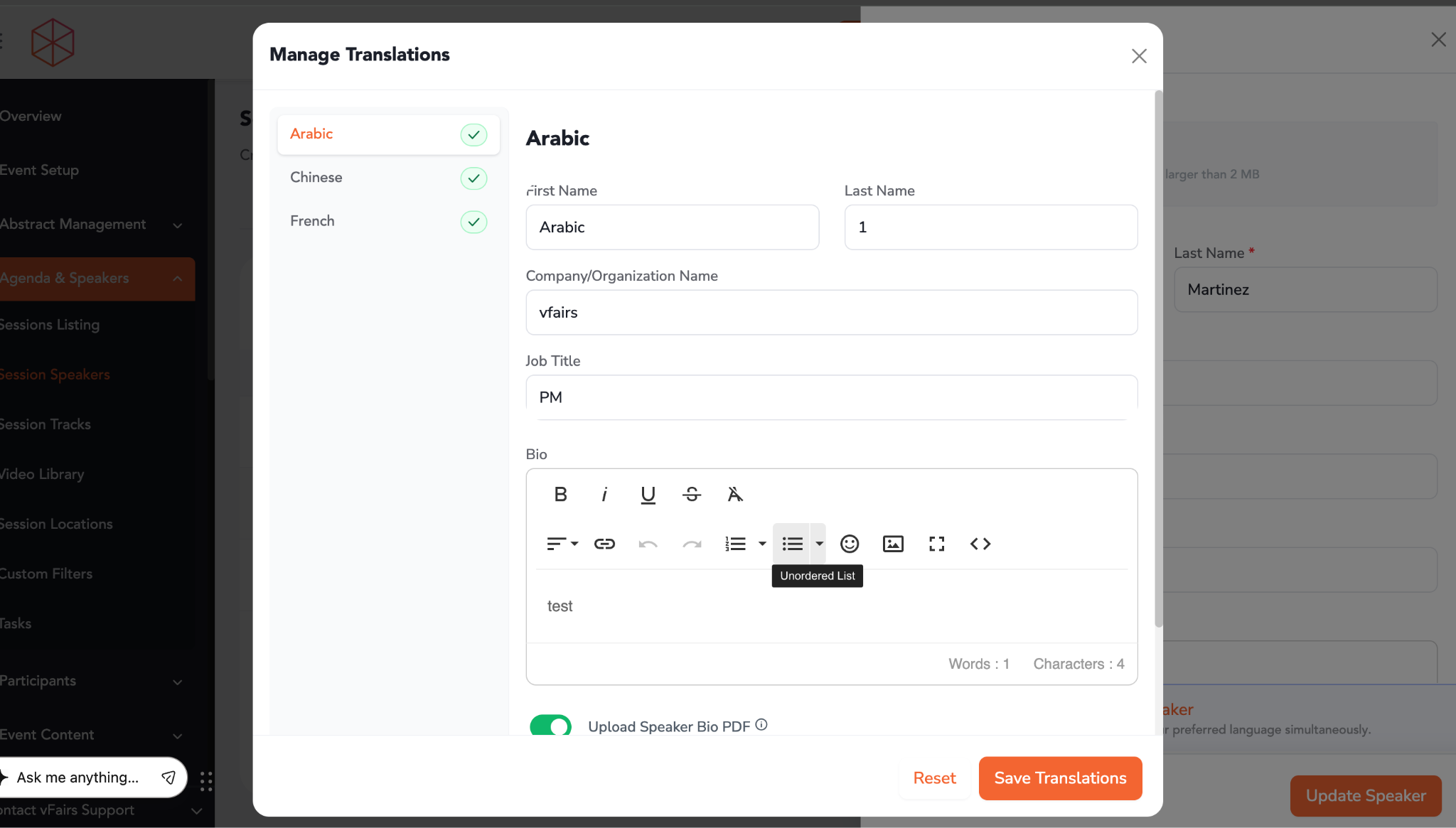
After cloning completes:
Verify Session Content- Navigate to Session Management
- Open a cloned session
- Switch between available languages
- Confirm:
- Titles are correct
- Descriptions match source event
- Metadata is preserved
- Navigate to Track Management
- Open cloned tracks
- Validate multilingual content for each supported language
- Navigate to Speaker Management
- Open speaker profiles
- Verify:
- Multilingual names
- Bios
- Designations
- Linked sessions