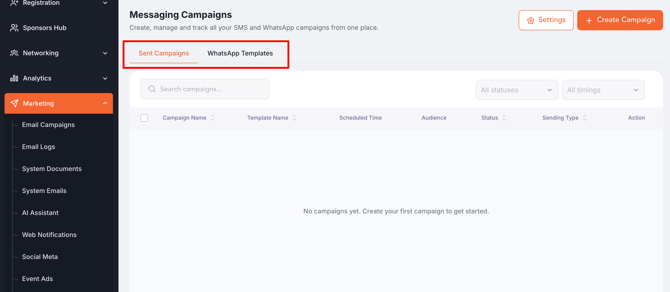
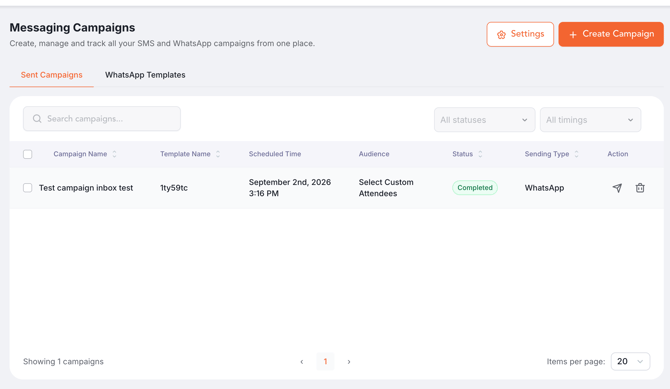
- Open Messaging Campaigns — Backend > Marketing > Messaging Campaigns; the page has two tabs, Sent Campaigns and WhatsApp Templates.
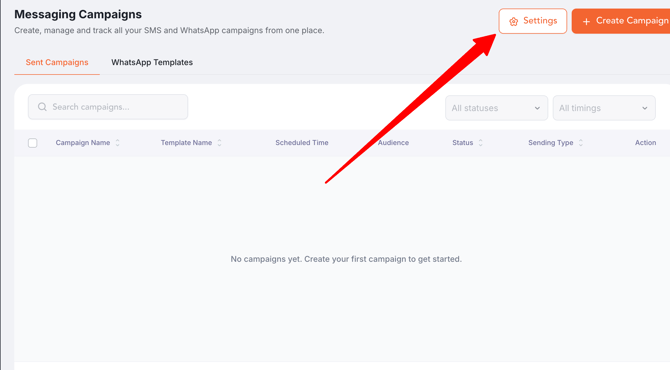
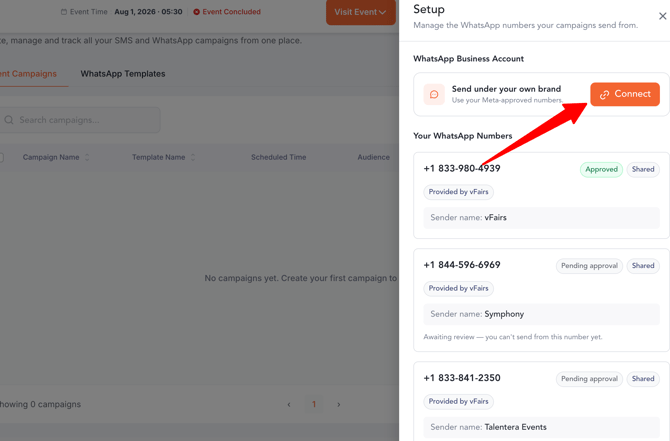
- Set up your sender number — Settings button opens the Setup drawer: connect the WhatsApp Business Account, review numbers and their statuses (Approved, Pending approval, Declined — hover any status for details).
- Create a WhatsApp template — WhatsApp Templates tab > New Template opens the full-page builder: name, template kind (standard or invitation), header image, message body, Tags popover for data tags (search, hover for description, copy/insert), and buttons/RSVP options.
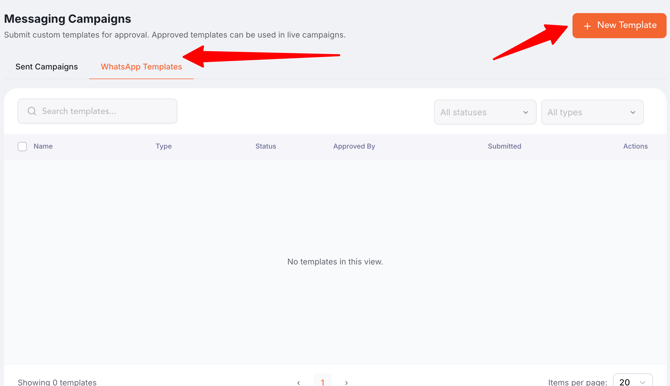
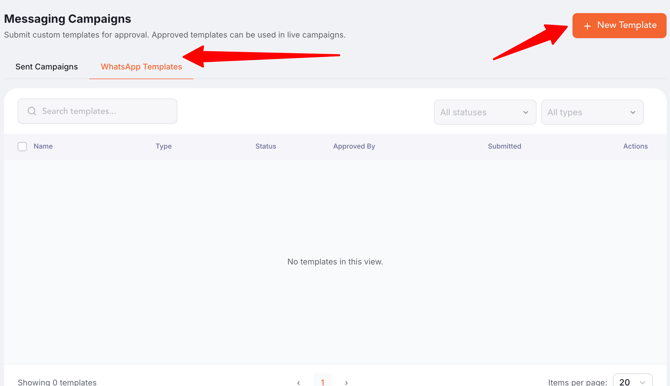
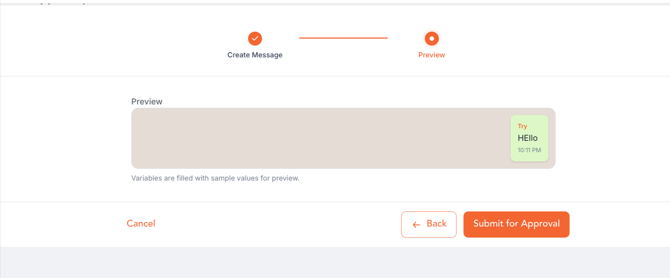
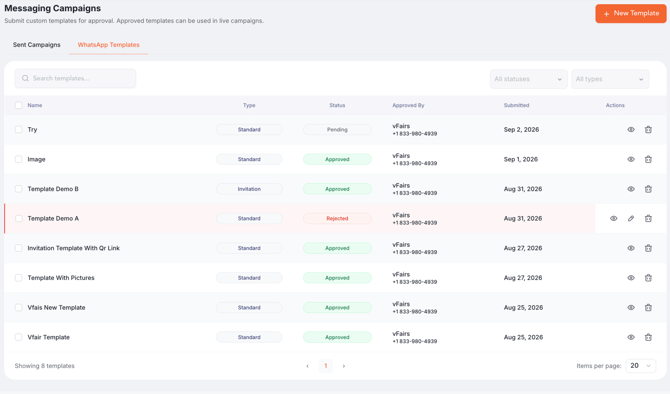
- Get the template approved — submitted templates start as Pending; the approval console approves or rejects them, and only approved (or pending, flagged) templates appear in the campaign form. Rejected templates can be edited and resubmitted.
- Start a new campaign — Sent Campaigns tab > Create Campaign, then Step 1 of 3.
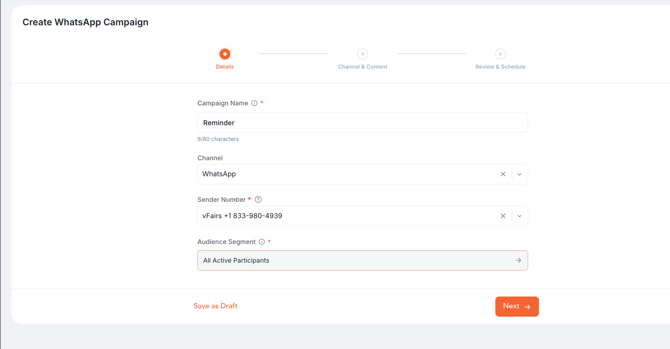
- Step 1 – Details — campaign name, timing type (Invitation, During Registration, After Registration), channel (WhatsApp or SMS), sender, audience segment or invite list, and optional Phased Dispatch by category. Note: only one active "During Registration" campaign is allowed at a time.
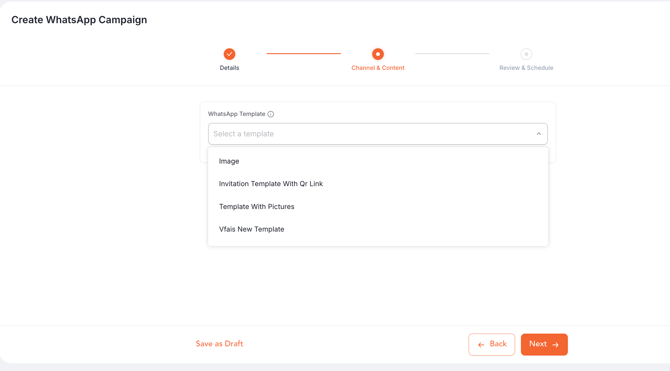
- Step 2 – Channel & Content — pick the WhatsApp template (grouped Approved / Pending) or write the SMS message; insert data tags; add and position an image for WhatsApp; live preview.
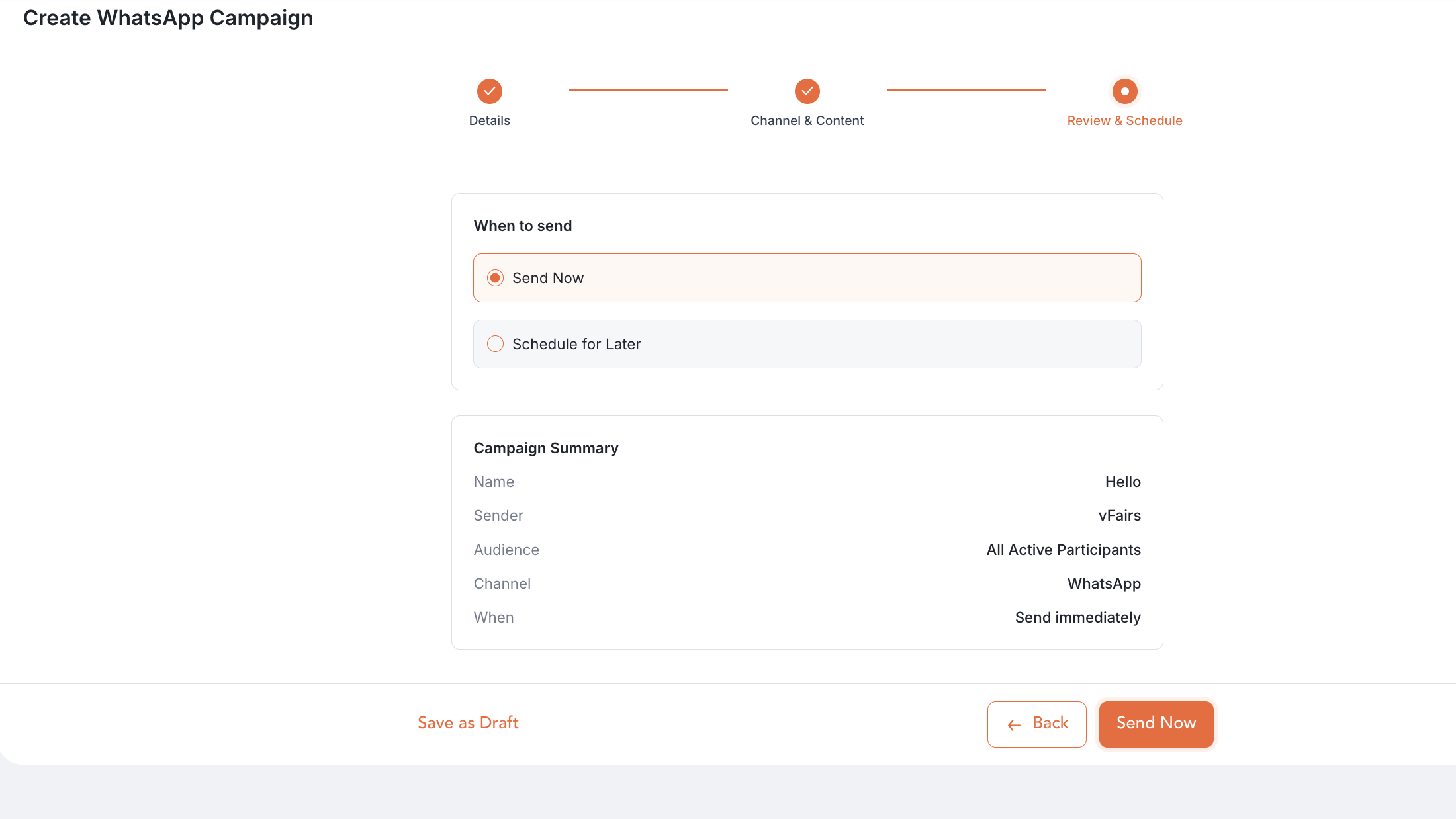
- Step 3 – Review & Schedule — Send now or schedule a date and time, review the summary, then Save as Draft or launch.
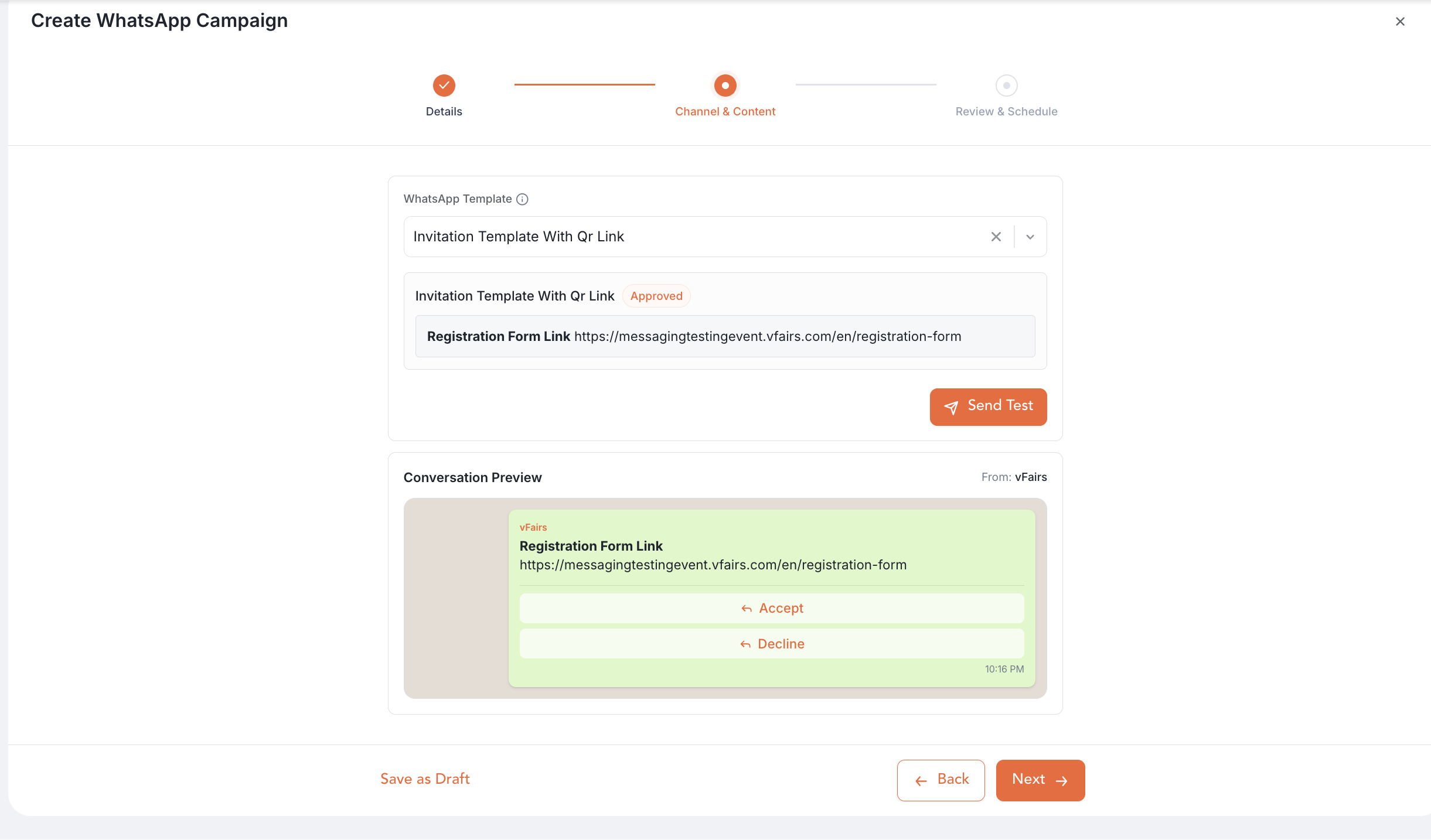
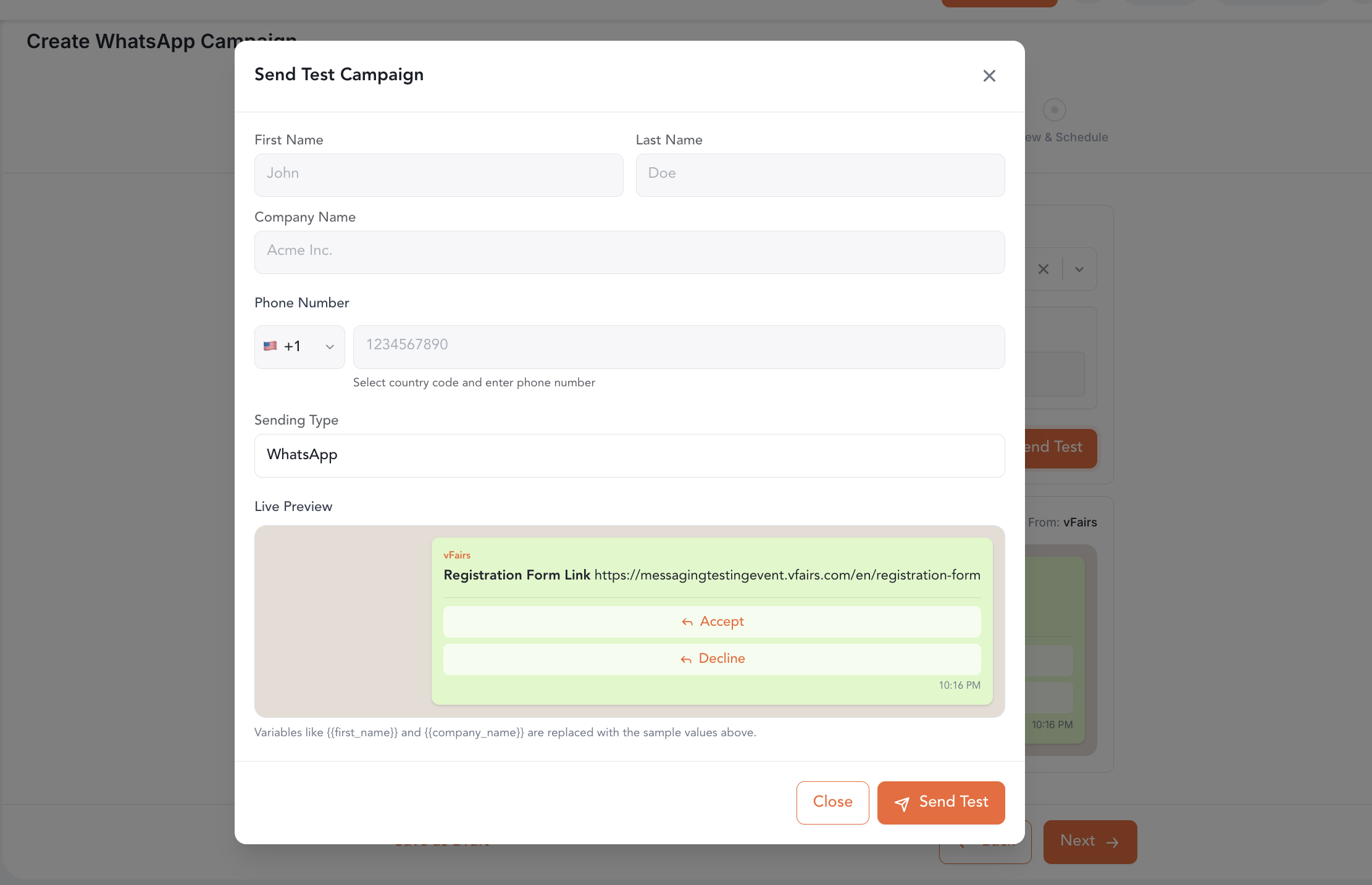
- Send a test message — the paper-plane action on a campaign row: enter a number with country code, watch the simulated status log.
- Review and Schedule— To review and and schedule the campaign.