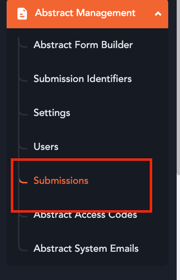
- Navigate to the “Abstract Management” section in your event dashboard.
- Open the “Submissions” tab.
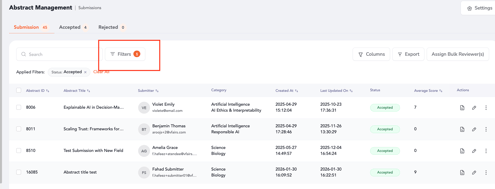
3. Apply filters to locate submissions that already have reviewer decisions.
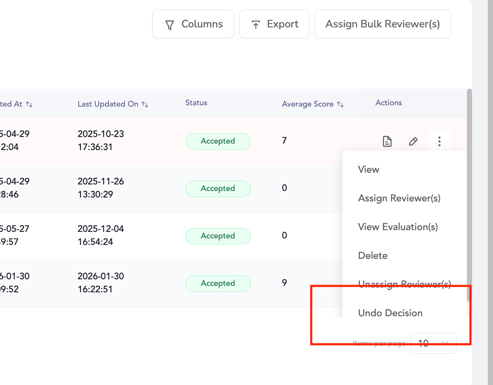
5. Select “Undo Decision” to remove the reviewer’s decision for that submission.

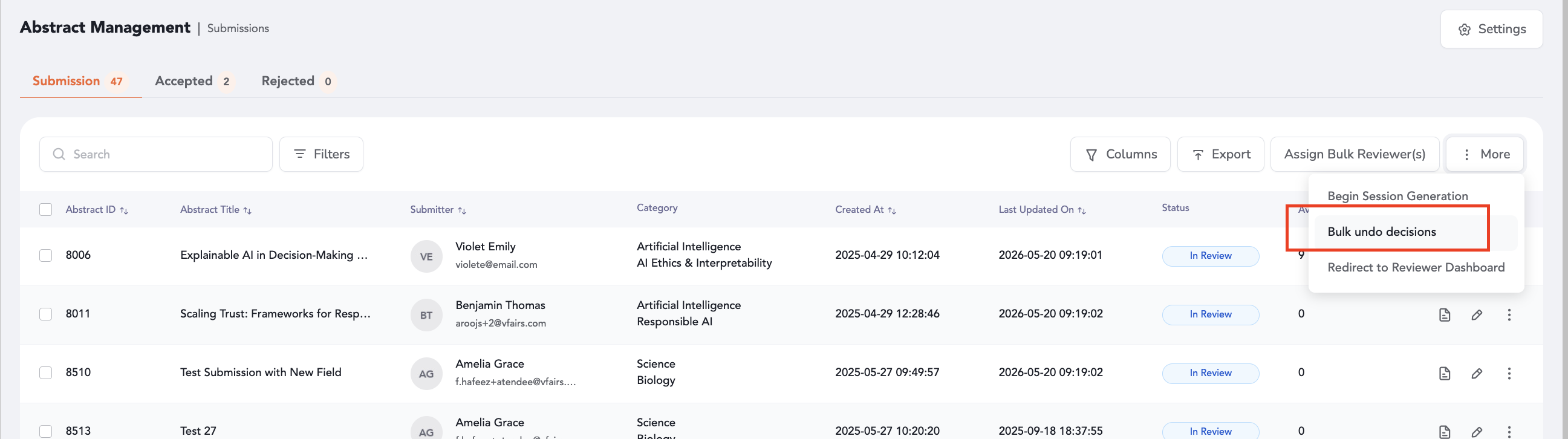
7. The decisions on the submissions can be reverted back in bulk too through the "Bulk undo decisions" option that appears in the "More" section of the abstract management's listing page.