Step 1: From the event dashboard, click on Sessions in the left navigation menu to expand the section.
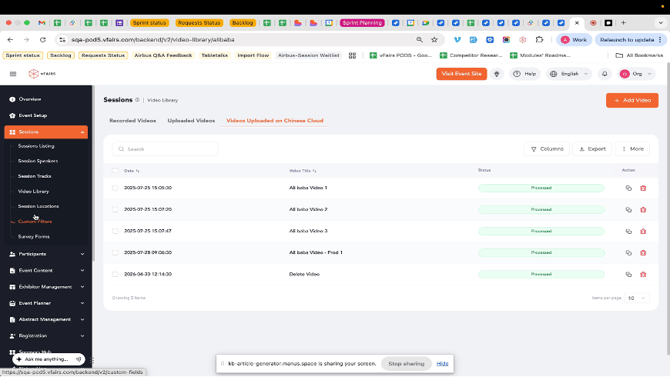
Step 2: Under the Sessions menu, click on Video Library.
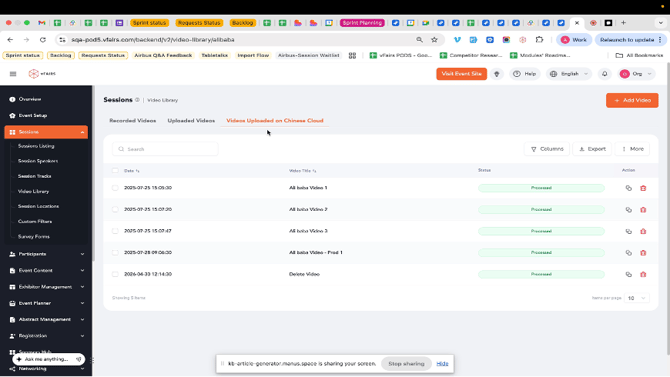
Step 3: The Video Library page will display. Here, you can see tabs for Recorded Videos, Uploaded Videos, and Videos Uploaded on Chinese Cloud.
The current view shows videos uploaded on Chinese Cloud.
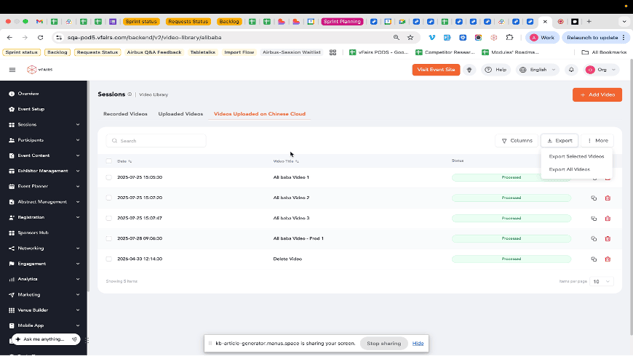
Step 4: To export all videos, bulk select the entire set of videos and click the Export button located above the video list.
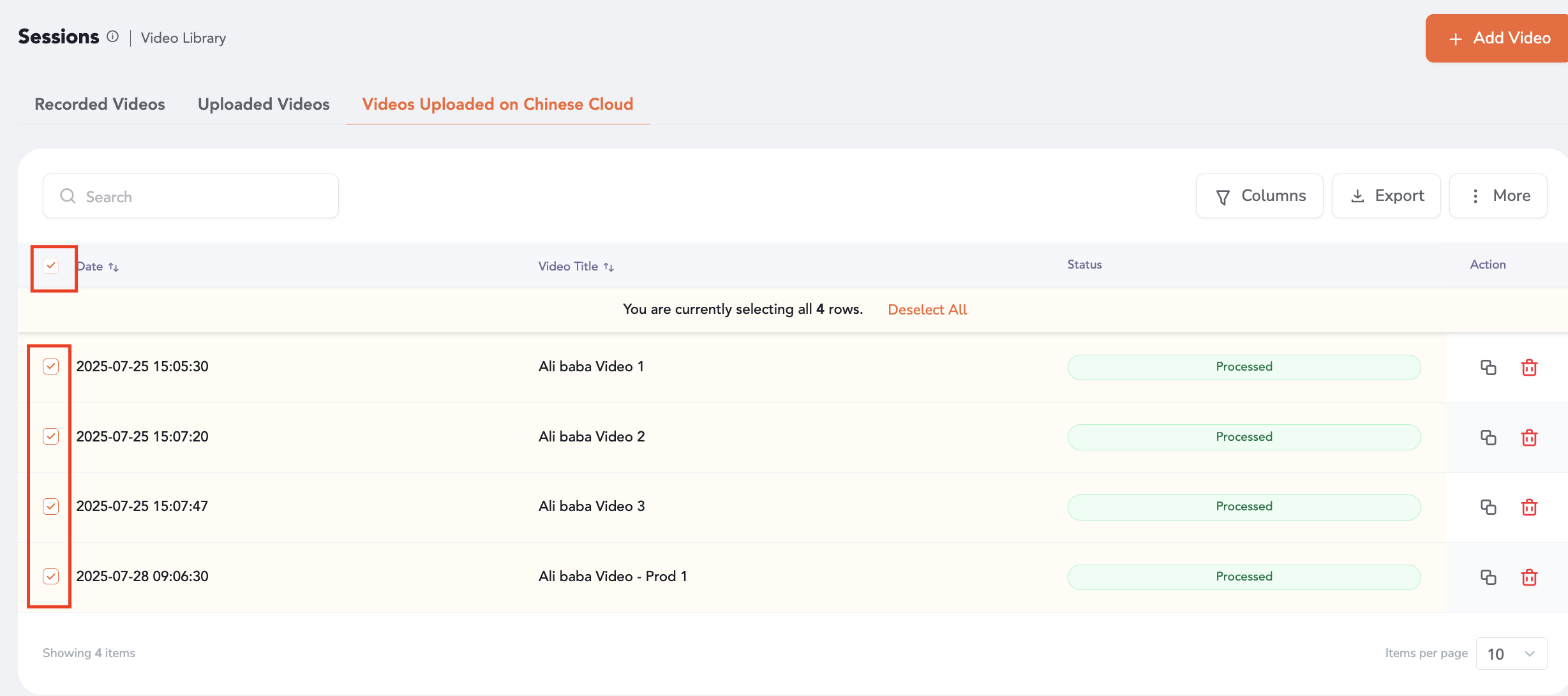
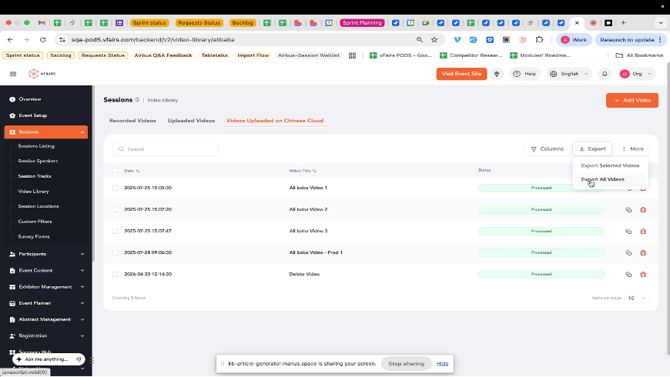
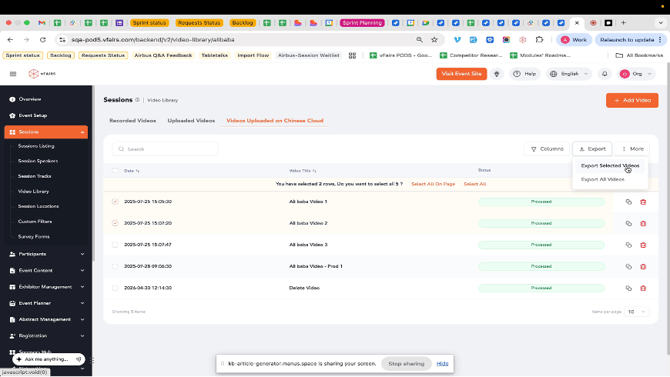
Step 5: To export specific videos, first select the checkboxes next to the videos you wish to export.
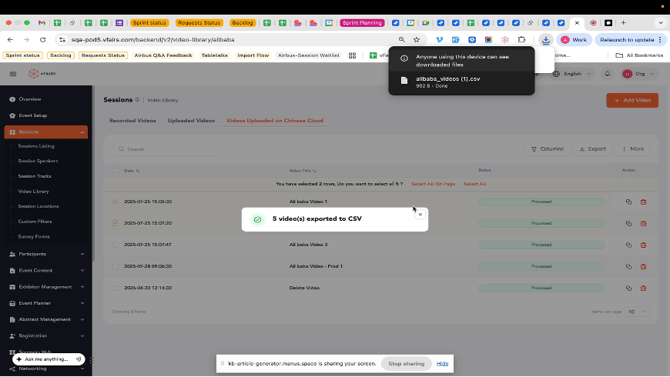
Step 10: A confirmation message will appear, indicating that the selected videos have been exported to a CSV file, which will download to your computer.
Step 11: The exported CSV file contains details such as Video Title, Date Uploaded, Status, and Video Link for each video.
Note: The CSV file can be opened with spreadsheet software like Microsoft Excel or Google Sheets.

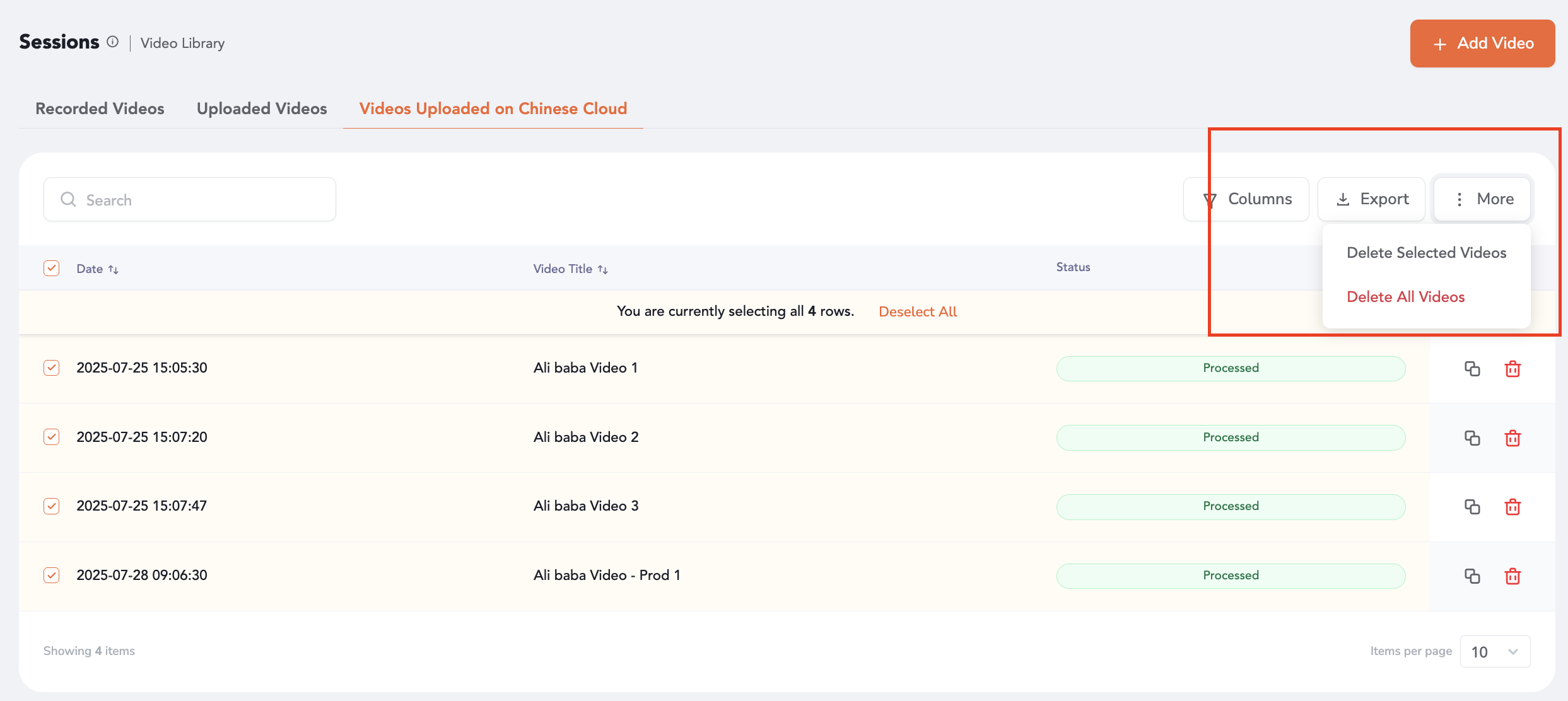
The videos can be selectively or bulk deleted as well through the added bulk deletion controls.