Web Platform
- Navigate to the Sessions listing on the web platform.
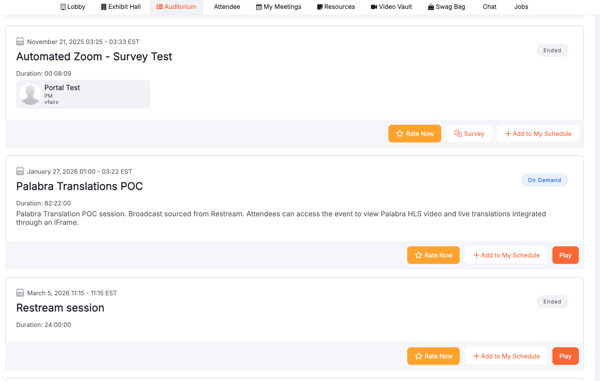
2. Open a session where the Q&A feature is enabled.

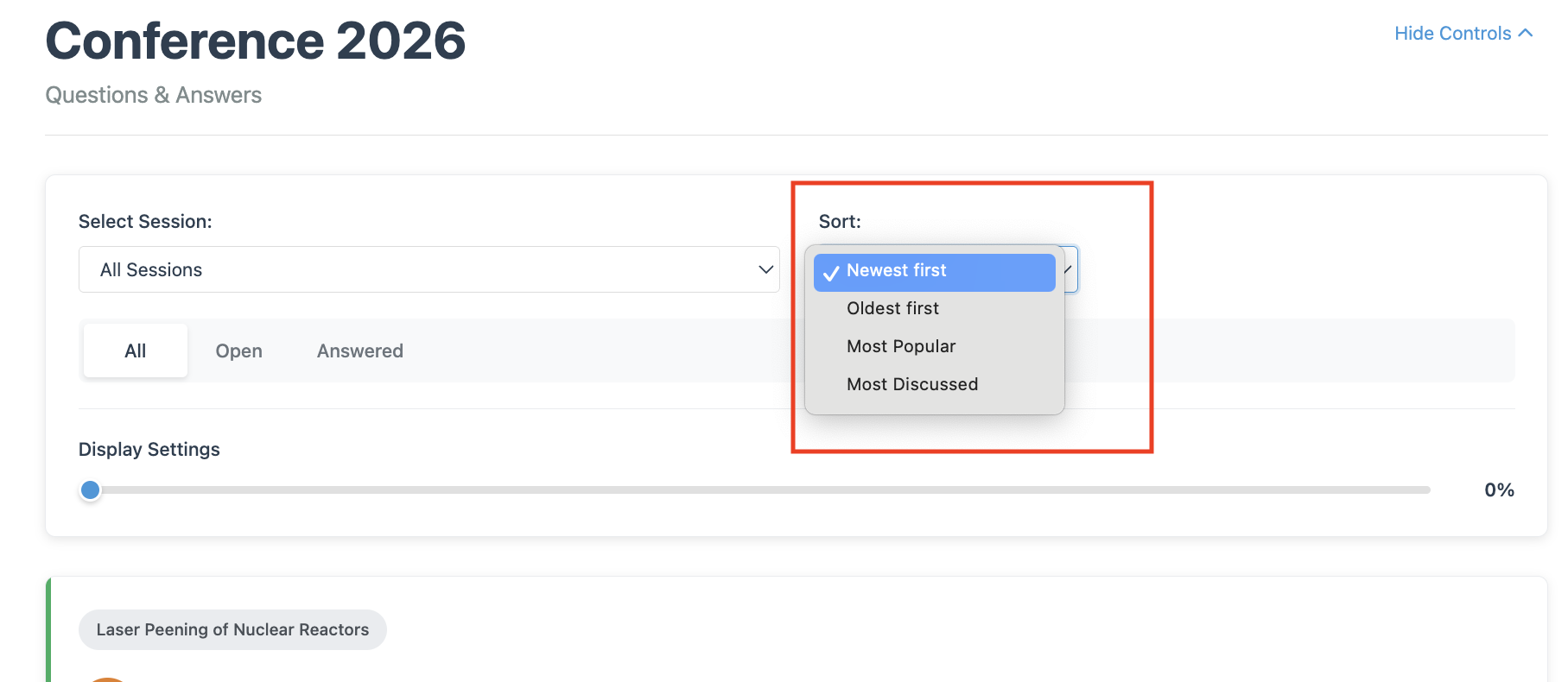
3. In the Q&A panel, locate the sorting dropdown in the top-right corner.

4. Click the dropdown and select your preferred sorting option (e.g., Most Recent, Oldest, or Most Popular).
The Q&A panel will automatically refresh to display questions based on your selected preference.
Public Q&A Page
- Go to the Public Q&A page.
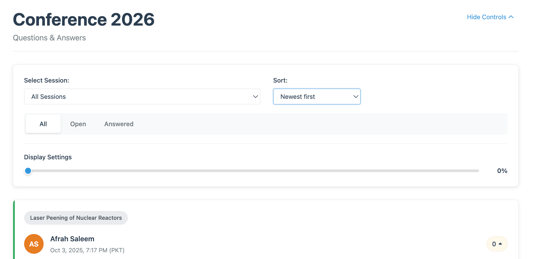
2. Locate the Sort section on the page.
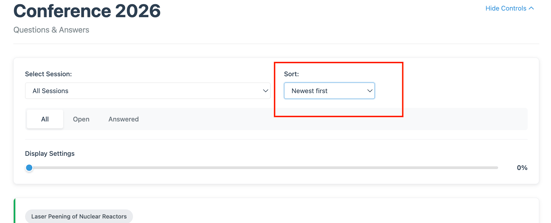
3. Click the sort option and choose your preferred sorting method.