Steps to View Coupon Usage
- Access the Analytic Section
- Login to backend portal and head towards Analytic section in the left navigation bar.
- Select the Post Event Report
- In the Analytic section, click on Post Event Report.
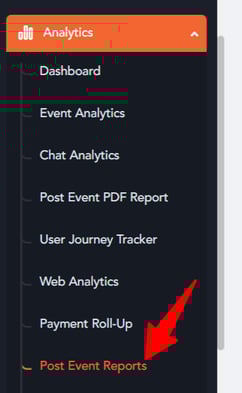
- In the Analytic section, click on Post Event Report.
- Choose the Payment Report
- From the dropdown menu, you will find the Payment Report option. Select it to access the report.
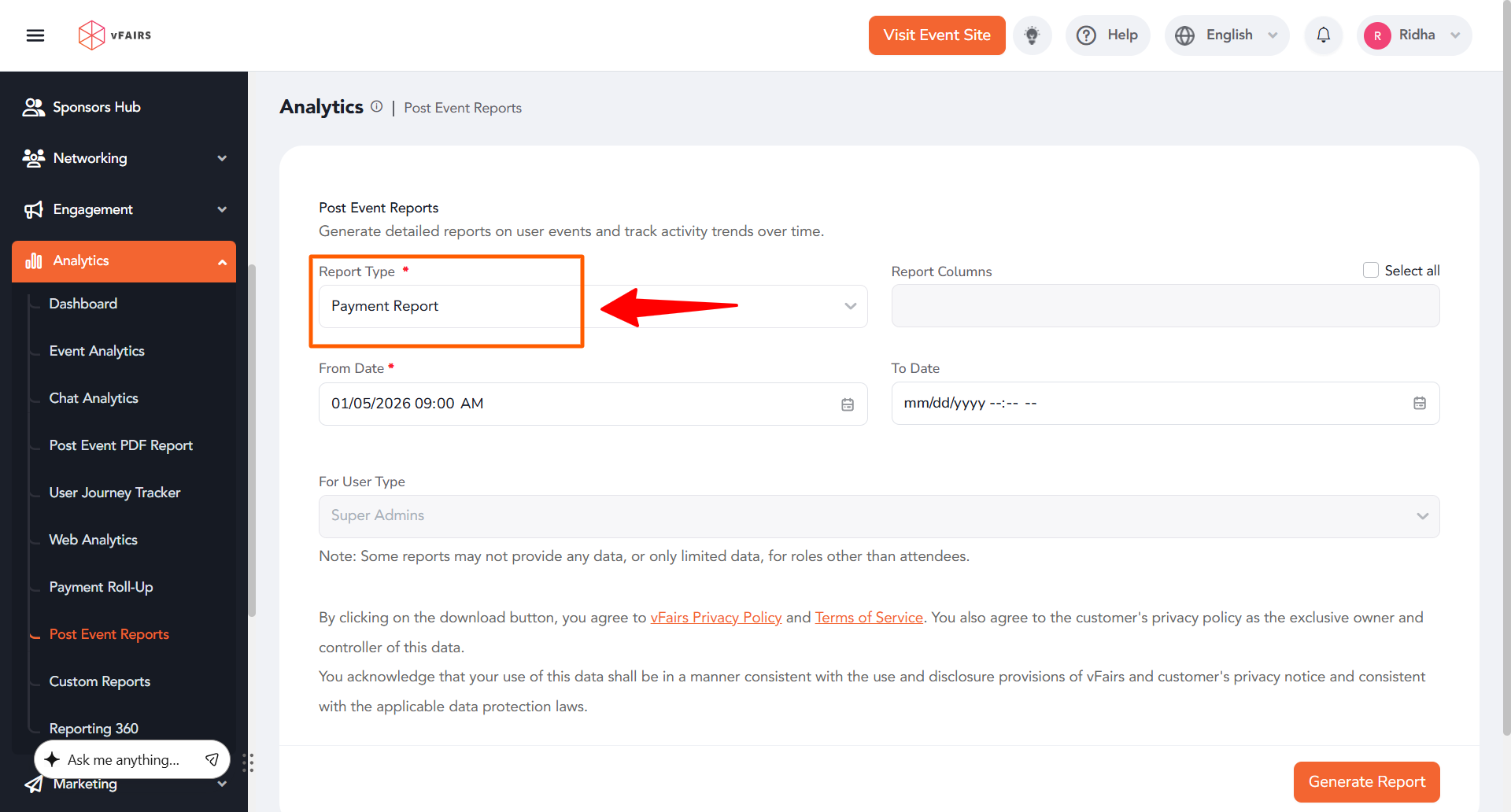
- From the dropdown menu, you will find the Payment Report option. Select it to access the report.
- Extract Coupon Usage Information
- Once the Payment Report is generated, you can view the data related to coupon usage, including the total number of coupons used during the event.
Benefits of Using the Payment Report
- Detailed Insights: Get accurate data on how many coupons were redeemed.
- Event Analysis: Helps in evaluating the success of coupon campaigns and attendee engagement.