![vfairs-logo-landscape-white-3.png]](https://help.vfairs.com/hs-fs/hubfs/vfairs-logo-landscape-white-3.png?height=40&name=vfairs-logo-landscape-white-3.png)
Step 1: Open the Campaign Drawer
Navigate to the SMS/WhatsApp Campaigns section in your event backend.
Click Create Campaign to open the campaign setup drawer.
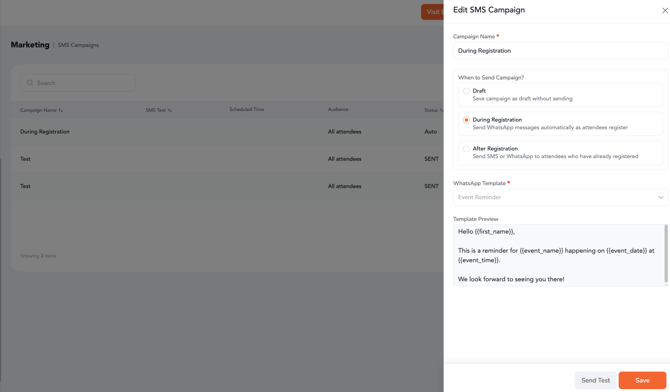
At the top of the drawer, you’ll see a new selector labeled “When to send the Campaign?”.
This selector determines which fields are visible in the drawer and adjusts the campaign flow accordingly.
Step 2: Select During Registration
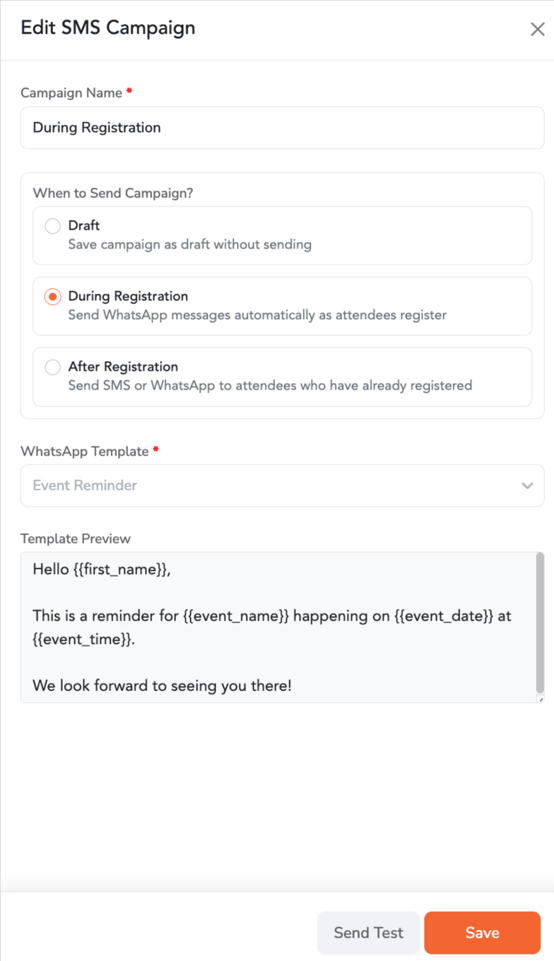
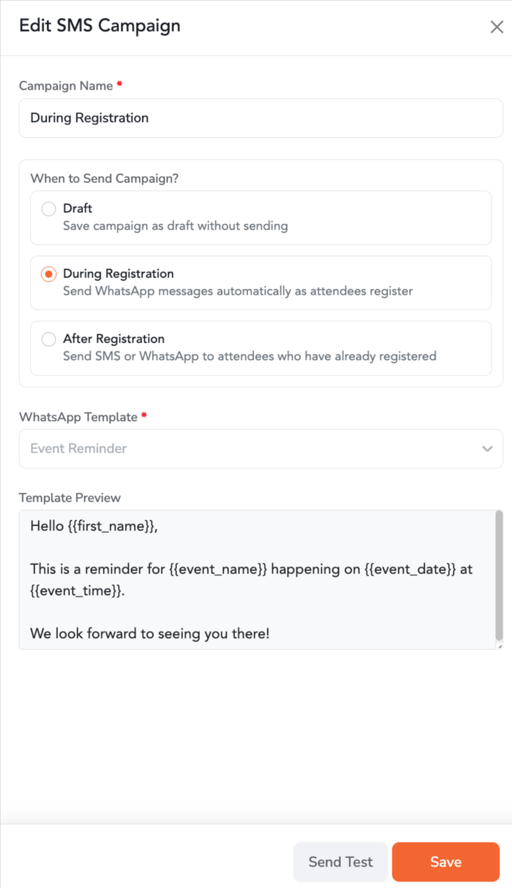
When you select During Registration, the system automatically triggers the WhatsApp flow as soon as an attendee completes their registration.
Fields Visible in During Registration Flow:
-
The campaign will be automatically set to:
-
Sending Type: WhatsApp (auto)
-
This streamlines the process by ensuring only relevant fields are visible and the WhatsApp message is sent immediately after registration.
Step 3: Configuring After Registration Campaigns
If you choose After Registration, the drawer expands to display additional fields, giving you full flexibility for post-registration campaigns. If WhatsApp is selected, the WhatsApp-specific flow will be displayed. If SMS is selected, the SMS-specific flow will appear. The Schedule option shows date and time pickers for precise delivery control.
Step 4: Draft Behavior for "During Registration" Campaigns
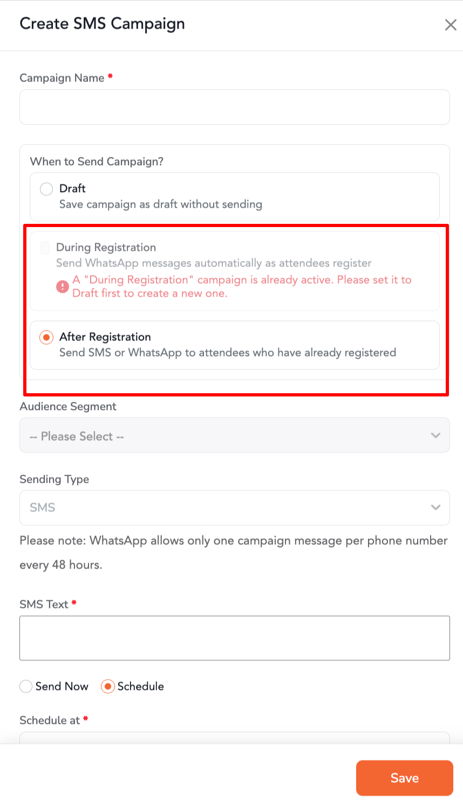
You can only have one active "During Registration" campaign at a time.
-
If a campaign with During Registration is already active, this option will be greyed out when creating a new campaign.
-
To create another During Registration campaign, you must first open the existing campaign and change its status to Draft.
Once updated, the During Registration option will be available again for use.
Step 5: Downloading Campaign Performance Stats
To view the performance of your WhatsApp or SMS campaign, you can download a detailed report directly from the campaign list.
Download Stats :
-
A Stats option will be added to the three-dot menu next to the Duplicate option for campaigns with Sent status.
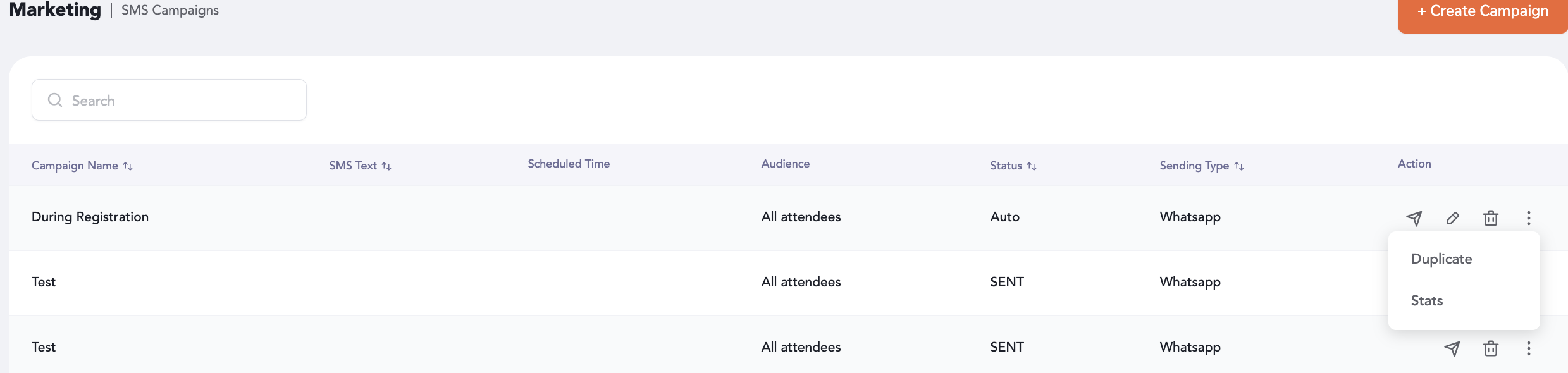
-
Stats will only be visible for campaigns with Sent status.
This setup ensures that campaign managers can easily automate WhatsApp message delivery based on attendee registration, while also having access to important performance data for both WhatsApp and SMS campaigns directly from the campaign list.