![vfairs-logo-landscape-white-3.png]](https://help.vfairs.com/hs-fs/hubfs/vfairs-logo-landscape-white-3.png?height=40&name=vfairs-logo-landscape-white-3.png)
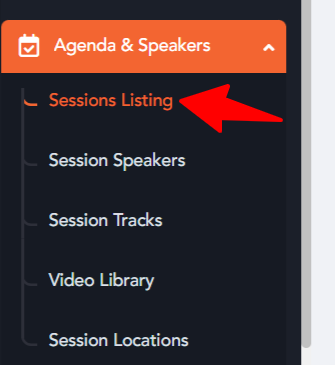
1. Access the sessions listing area from the event's backend present under Agenda and Speakers Module.
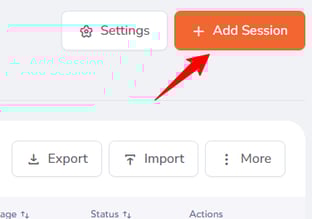
2. Click on "Add Session" or "Edit Session" to open up the sessions creation drawer and adjust session settings.

3. Head over to the handouts upload section in the advanced settings section of the sessions creation drawer to add a new handout.
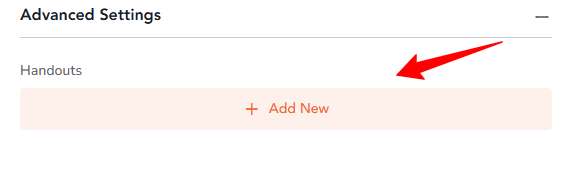
4. Click on the "Add New" button for adding a new document.
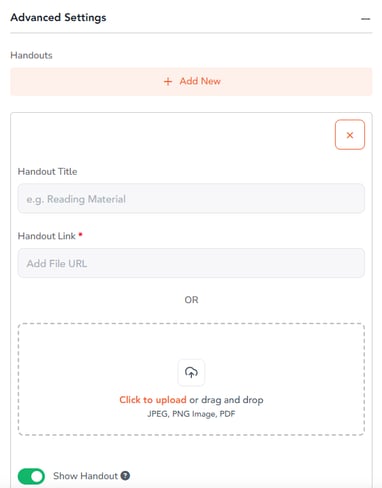
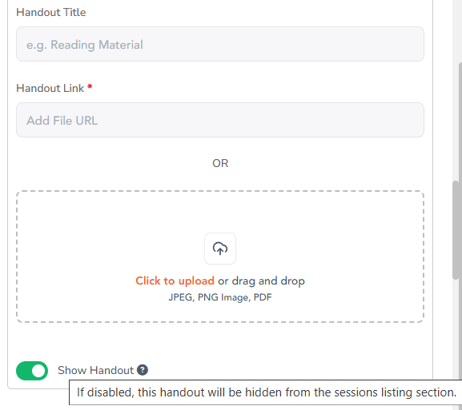
5. A toggle shows up for each handout entry that reads "Show Handout". Adjust it's state to control the visibility of the uploaded handout on the event's environment.
6. Click on the Add Session and the updates will be saved.