![vfairs-logo-landscape-white-3.png]](https://help.vfairs.com/hs-fs/hubfs/vfairs-logo-landscape-white-3.png?height=40&name=vfairs-logo-landscape-white-3.png)
-
Log in to the event’s web platform using your registered credentials.
-
From the top navigation bar, go to the section where sessions are hosted such as Agenda or Auditorium.

3. If you’re in the Auditorium, click the center screen to open the full sessions listing page.
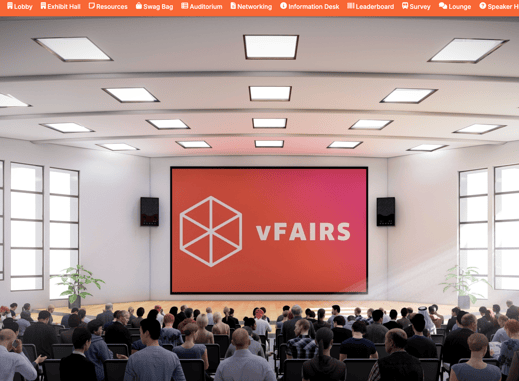
4. You’ll see all scheduled sessions for the event displayed in one place.
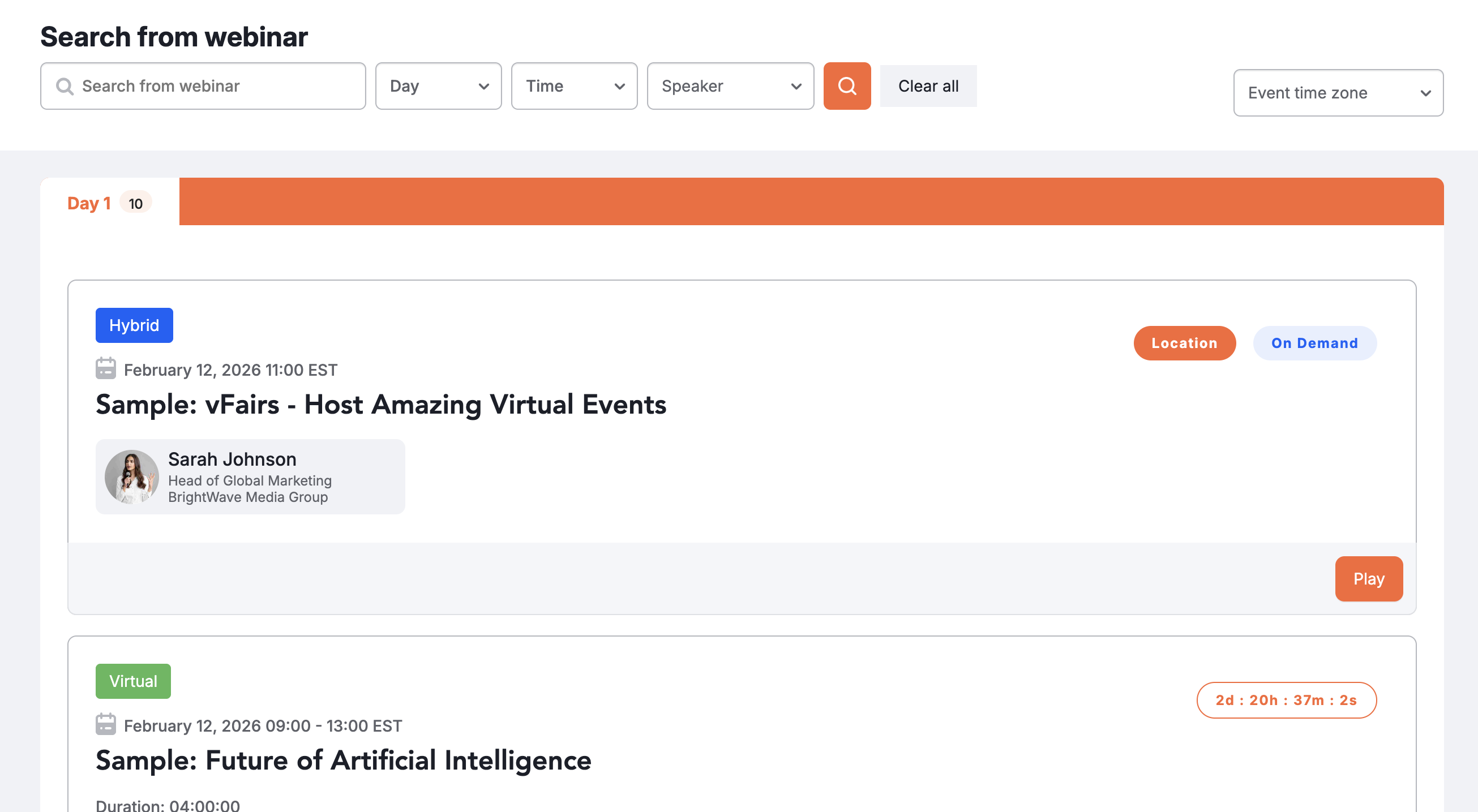
5. Sessions with available recordings will show a clear “Play” button next to the title.
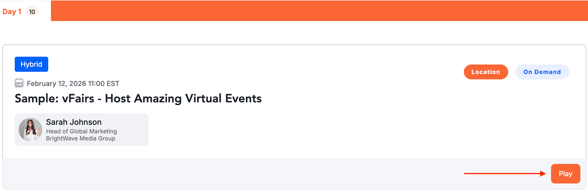
6. Click the Play button to start watching the session recording anytime at your convenience.