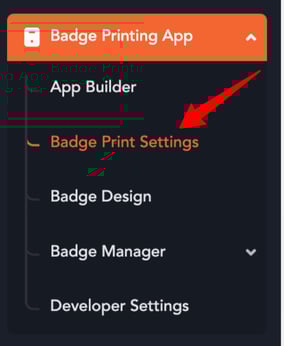
- In the event backend, locate the left navigation panel and select "Badge Print Settings" found under the "Badge Printing App" section.
- Enable the toggle titled "Send SMS Notification on Badge Print".

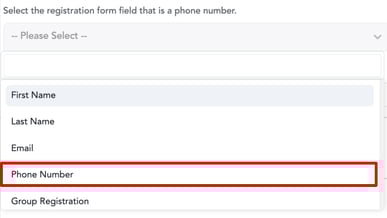
- Enabling this toggle will display a field to select the phone number field from the registration form, allowing the system to send SMS notifications to users.
- Enter the message you want to send as an SMS notification in the following field and click on 'Update settings'.

- Now, whenever a badge is printed, the associated phone number will receive an SMS update.
English
![vfairs-logo-landscape-white-3.png]](https://help.vfairs.com/hs-fs/hubfs/vfairs-logo-landscape-white-3.png?height=40&name=vfairs-logo-landscape-white-3.png)