![vfairs-logo-landscape-white-3.png]](https://help.vfairs.com/hs-fs/hubfs/vfairs-logo-landscape-white-3.png?height=40&name=vfairs-logo-landscape-white-3.png)
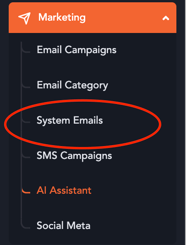
1. Head over to the "Marketing" section in the event's backend.
2. Click on "System Emails"
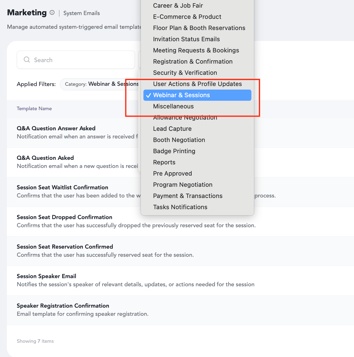
3. Apply the filter "Webinars & Sessions"
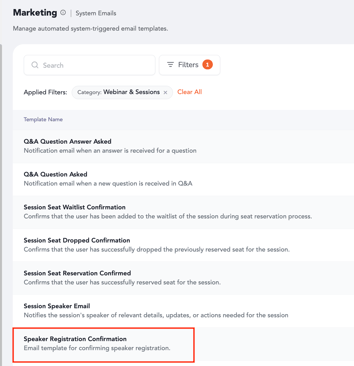
4. The template "Speaker Registration Confirmation" will show up in the the emails listing.
5. Click on the "Pencil" icon under actions column.

6. Redirection to the email editor will occur. Update the email content and click on the "Save" button to save the updates.
The content will successfully be updated and accordingly the emails initiated to speakers will be aligned as per an event's requirements.